Every feature, one by one.
Mock tests, an AI examiner, a daily course and practice tools. Each one is shown below with a real screen from IELTS HACKER.
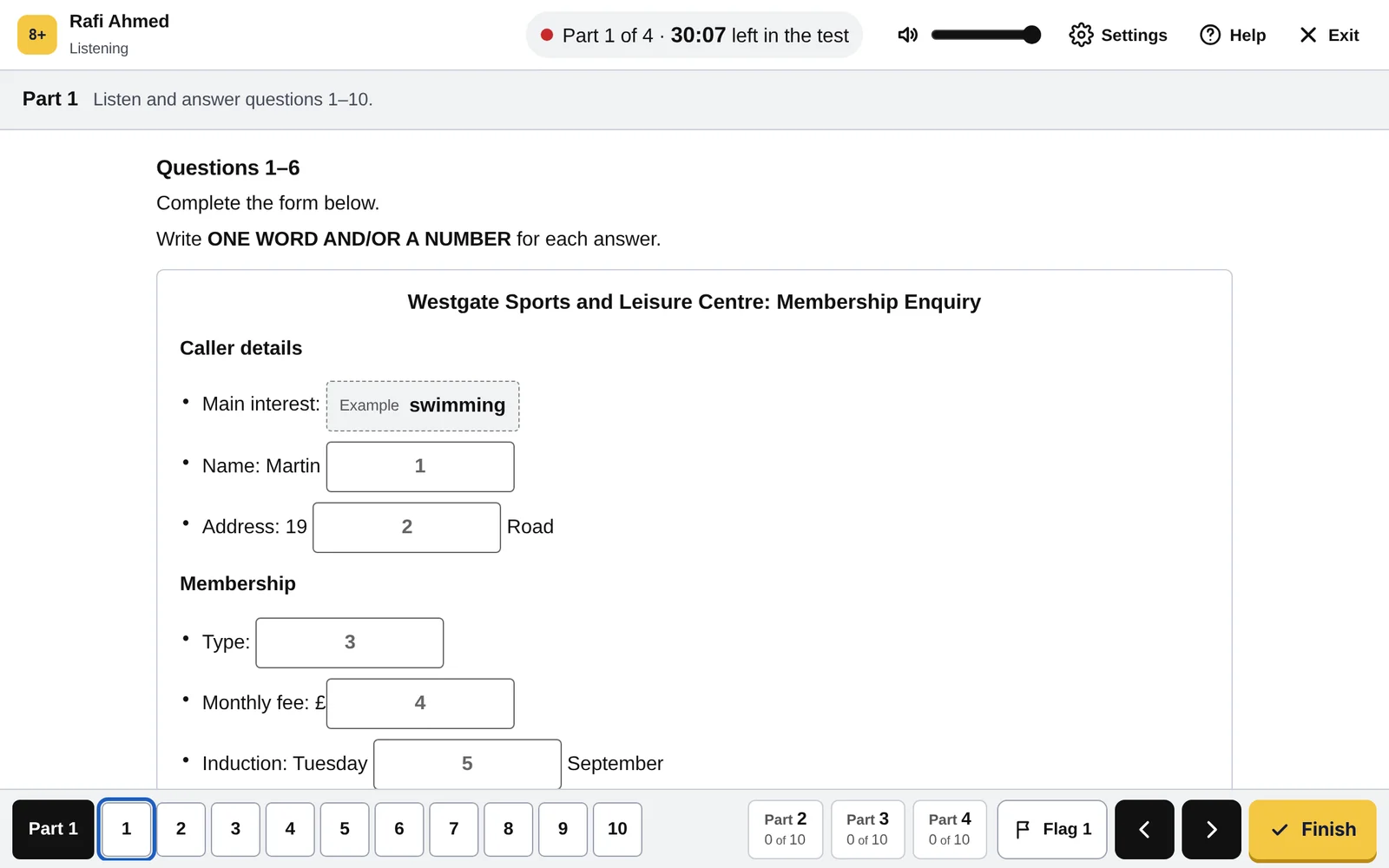
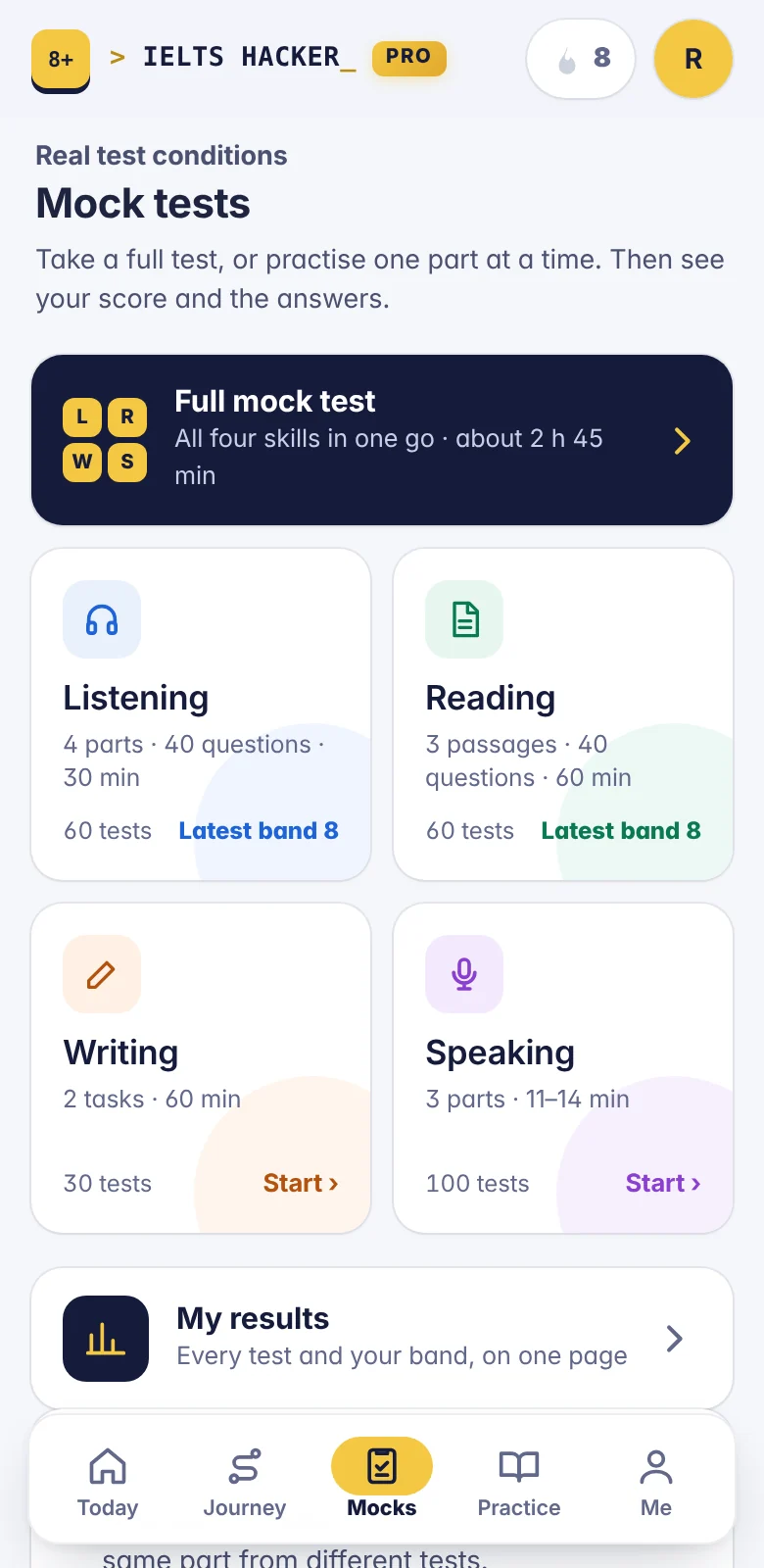
100 Listening tests, with audio
Sit a full test against the clock, or practise one part at a time.
- Four parts and 40 questions, as in the real test
- Marked the moment you finish
- The transcript and an explanation for every answer
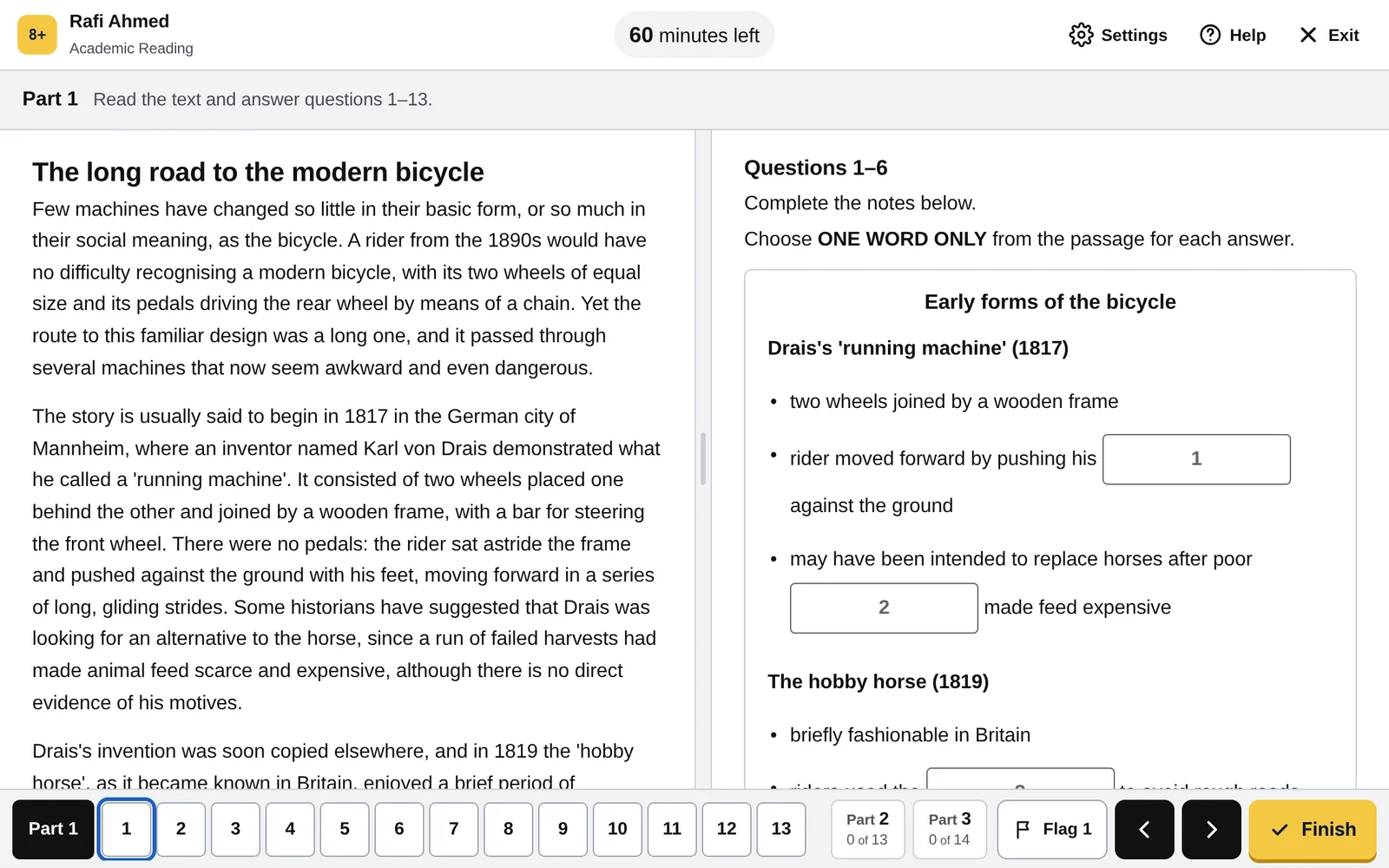
100 Academic Reading tests
The passage on one side and the questions on the other, as on test day.
- Three passages and 40 questions, with every question type
- Highlight the passage as you read
- See why each answer is right
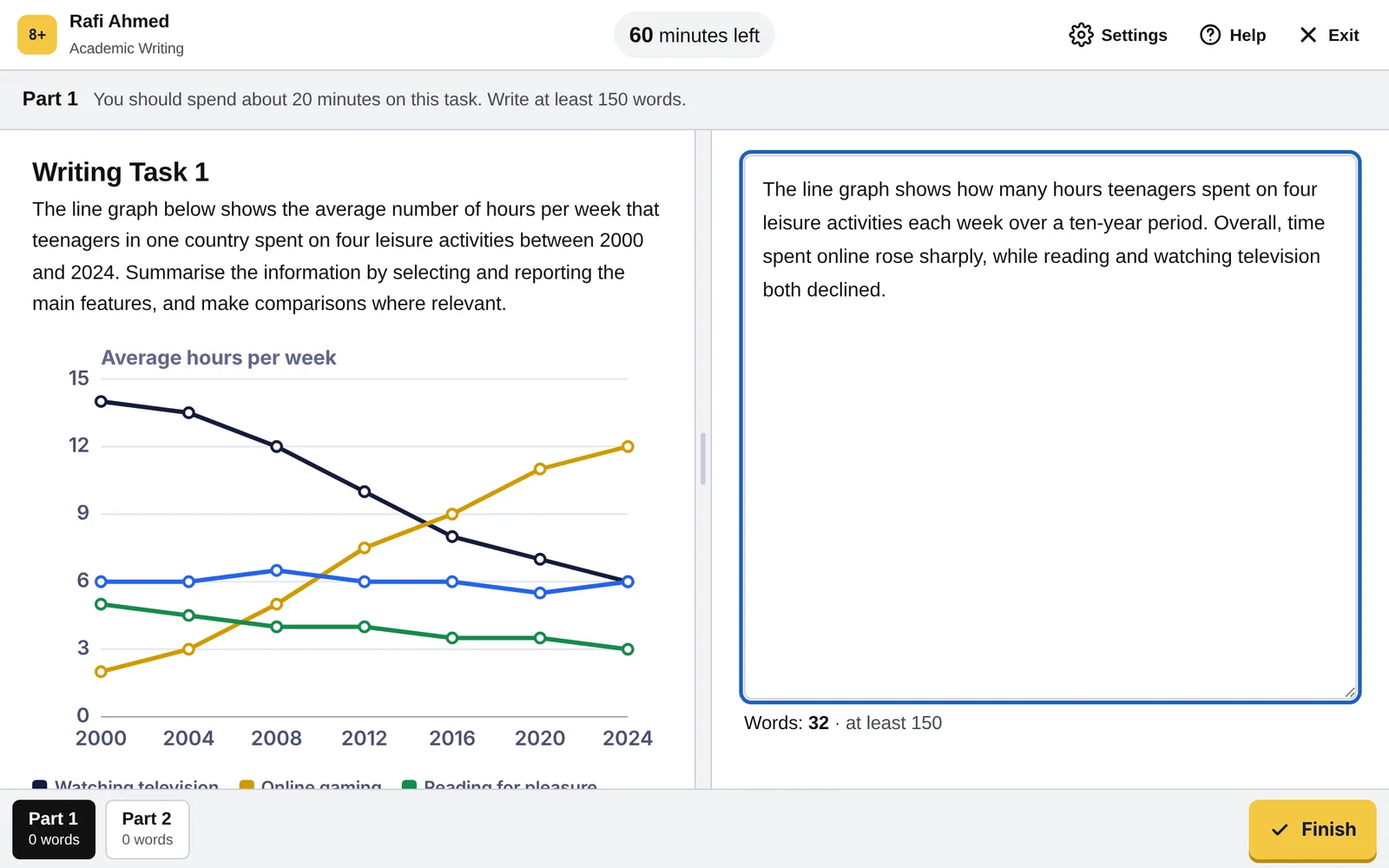
100 Writing tests: Task 1 and Task 2
Write on the real test screen, then send your answer to Lina.
- A timer and a live word count, as on the test screen
- Task 1 and Task 2 in every test
- Lina’s band for each of the four criteria, with corrections
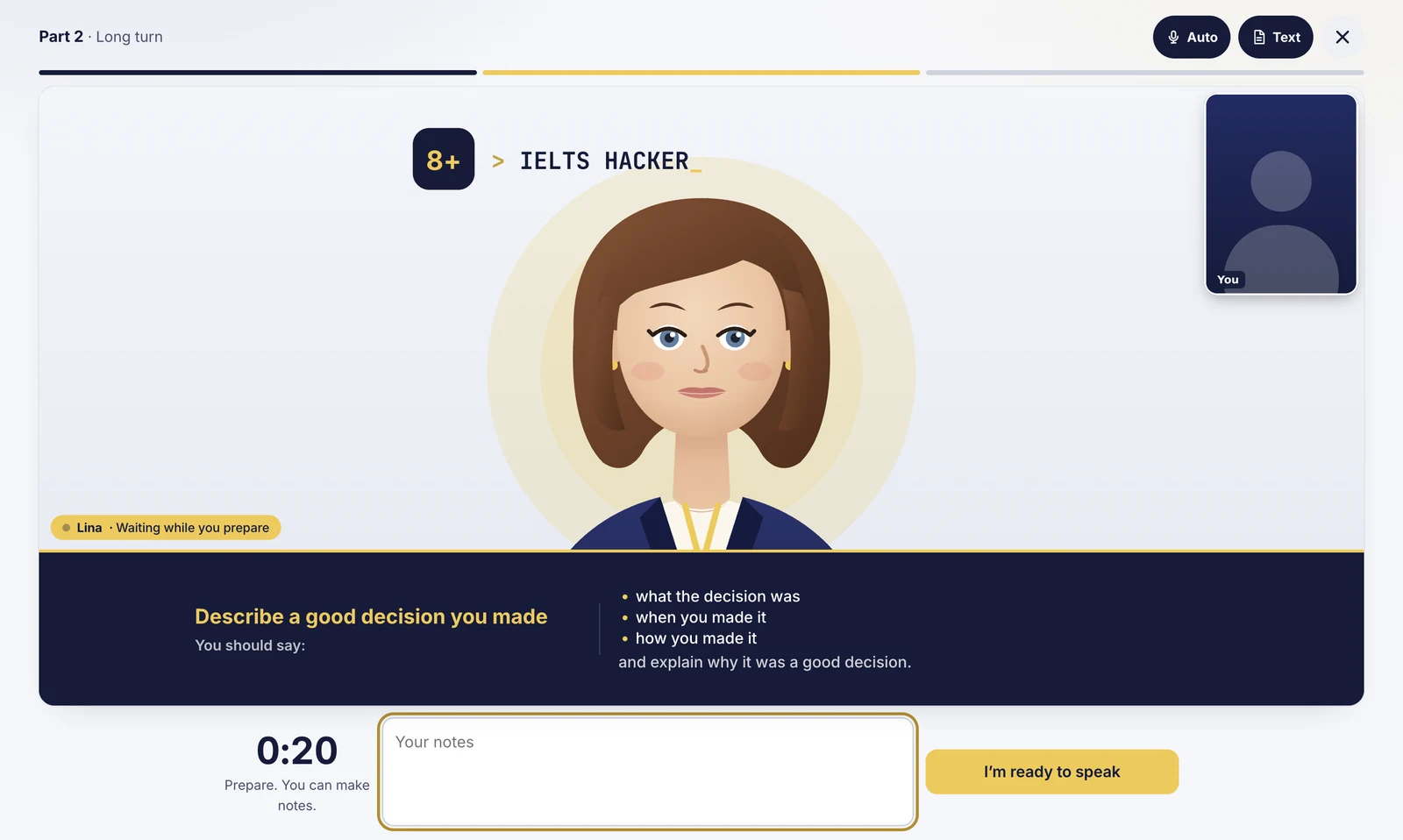
100 Speaking tests, with Lina on screen
All three parts, in the order and timing of the real interview.
- Lina asks the questions, like a video call with an examiner
- Parts 1, 2 and 3, with a minute to prepare for Part 2
- A band for each IELTS criterion, from your own recording
All four skills in one sitting
The closest thing to test day: Listening, Reading, Writing and Speaking, one after another.
- About 2 hours 45 minutes
- Stop and continue later
- One result page at the end
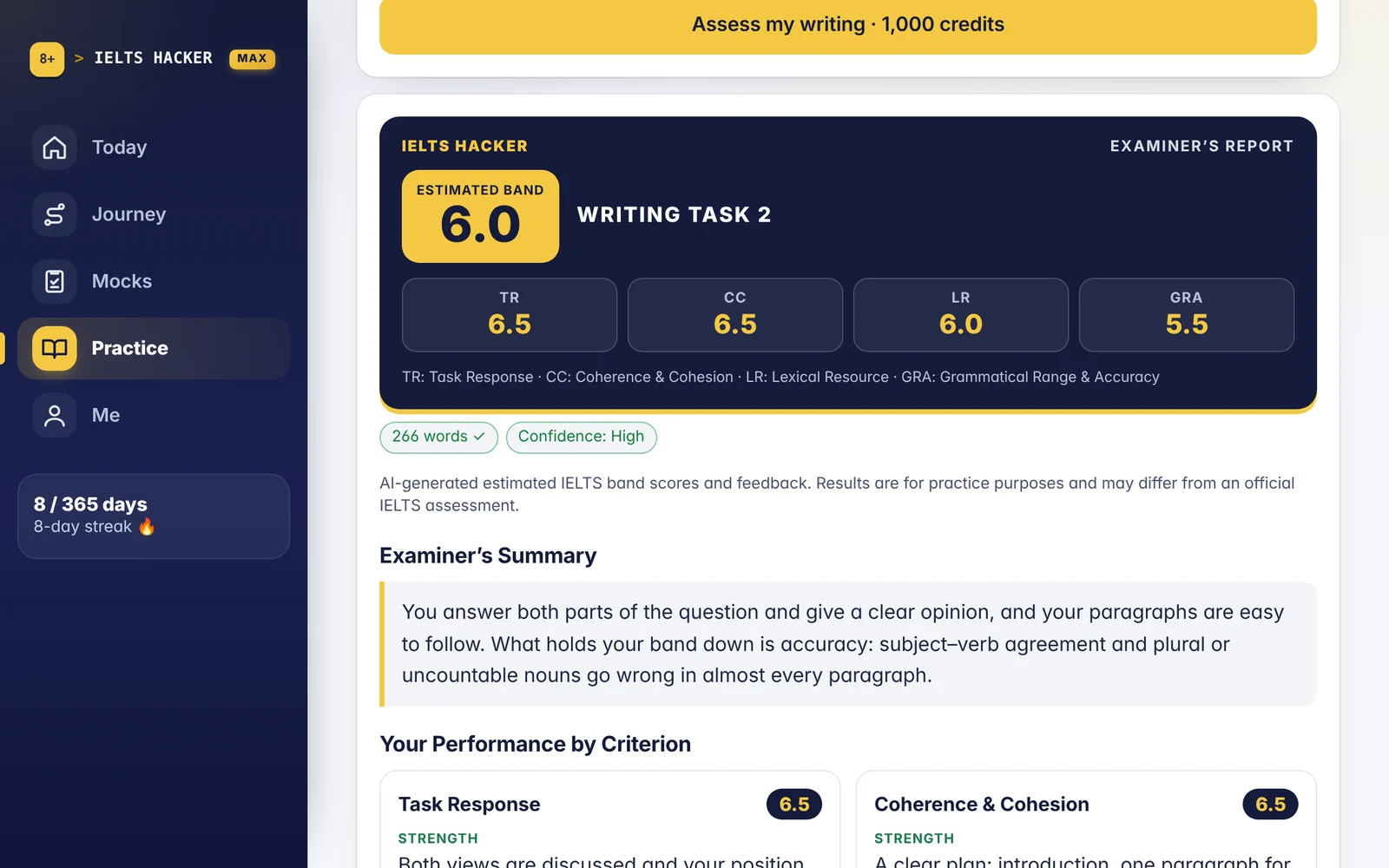
Your band, your mistakes and a better answer
Lina marks your Writing and Speaking on the IELTS criteria and tells you what to fix first.
- A band for each criterion and your overall band
- Corrections in your own sentences, with the reason
- A Band 8+ model answer to the question you answered
- What to fix next, in order
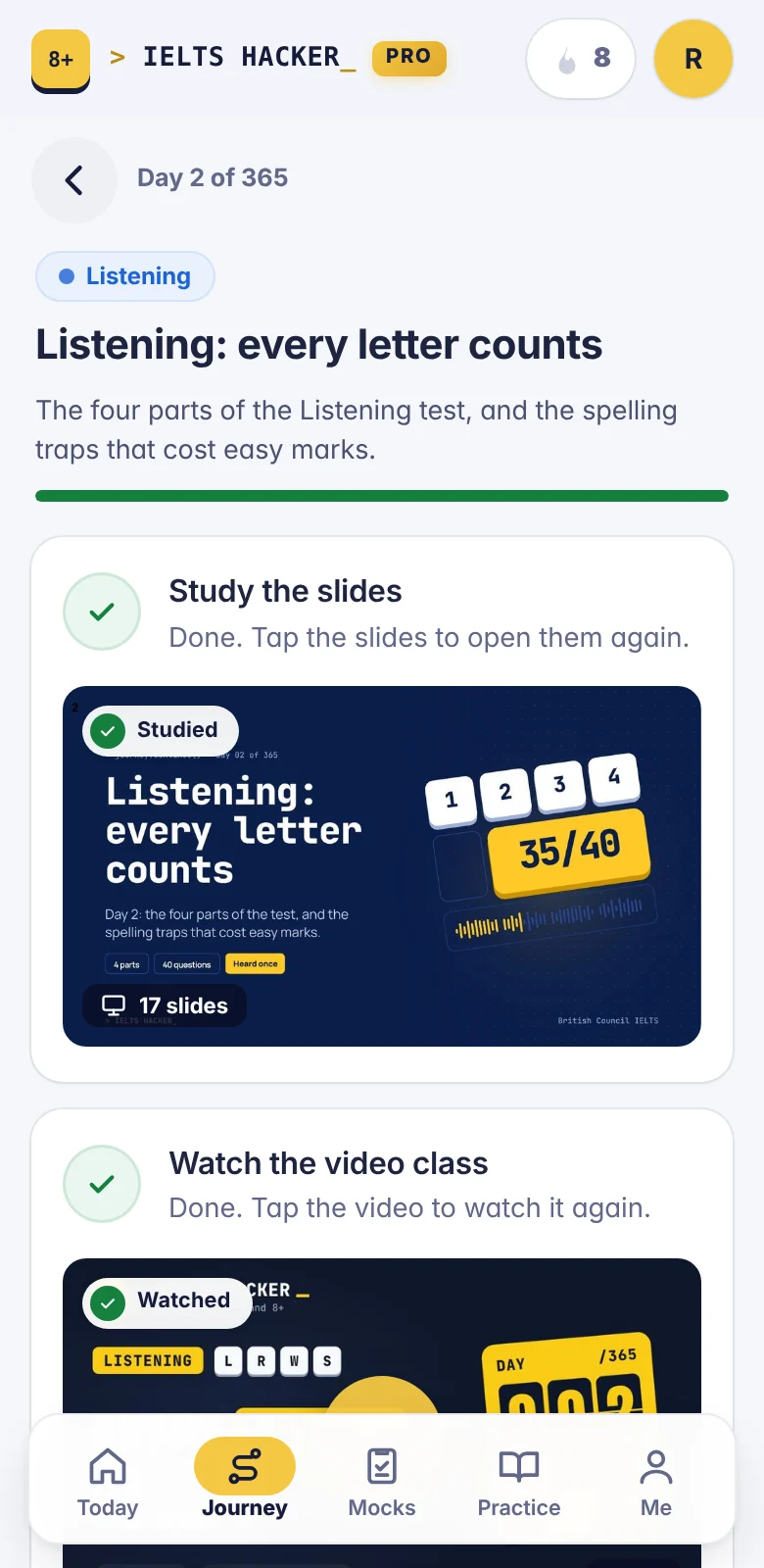
One short lesson a day, for 365 days
The course takes you from the basics to Band 8+, one idea at a time.
- Slides for each day: one idea, explained simply
- Video classes, released one by one
- A quick quiz to check yourself
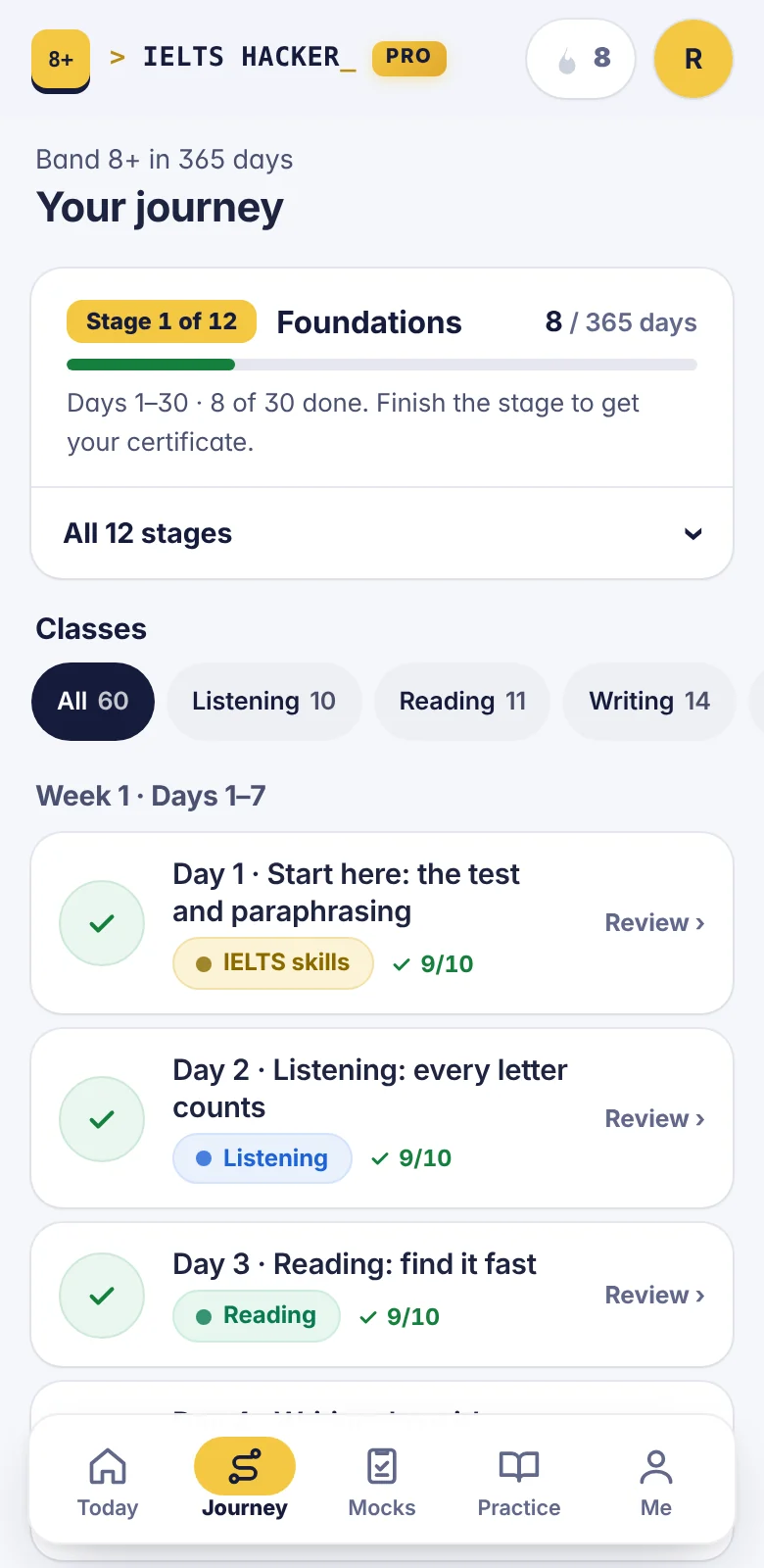
See how far you have come
Every day of the course on one page, by week and by skill.
- The days you have finished and what comes next
- Your streak, day by day
- Show only Listening, Reading, Writing or Speaking lessons
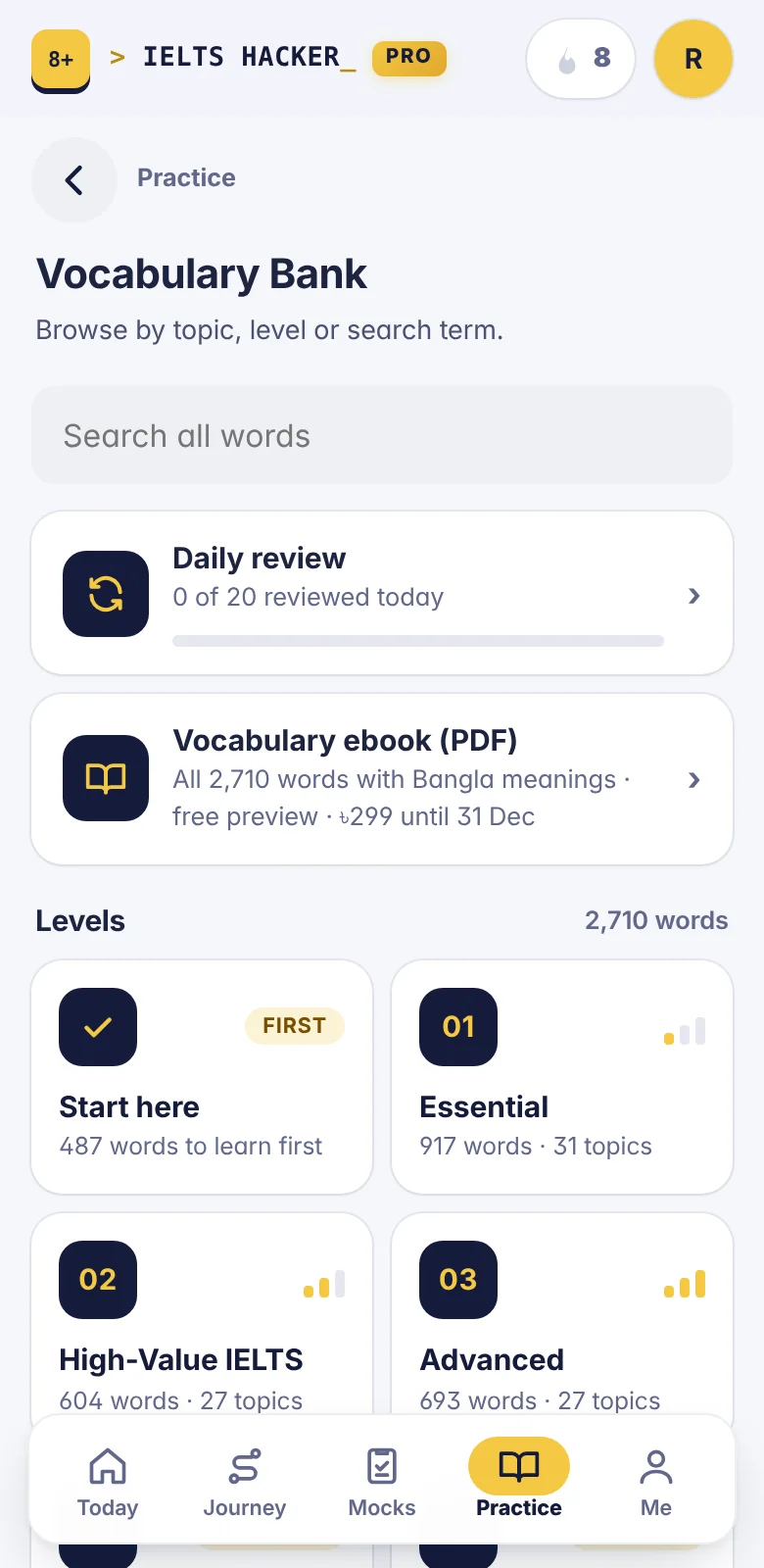
2,710 words and phrases in 5 levels
The words IELTS uses, from the ones to learn first to Band 8+ upgrades.
- A Bangla meaning and an IELTS example for each word
- A daily review of the words you are learning
- Search any word
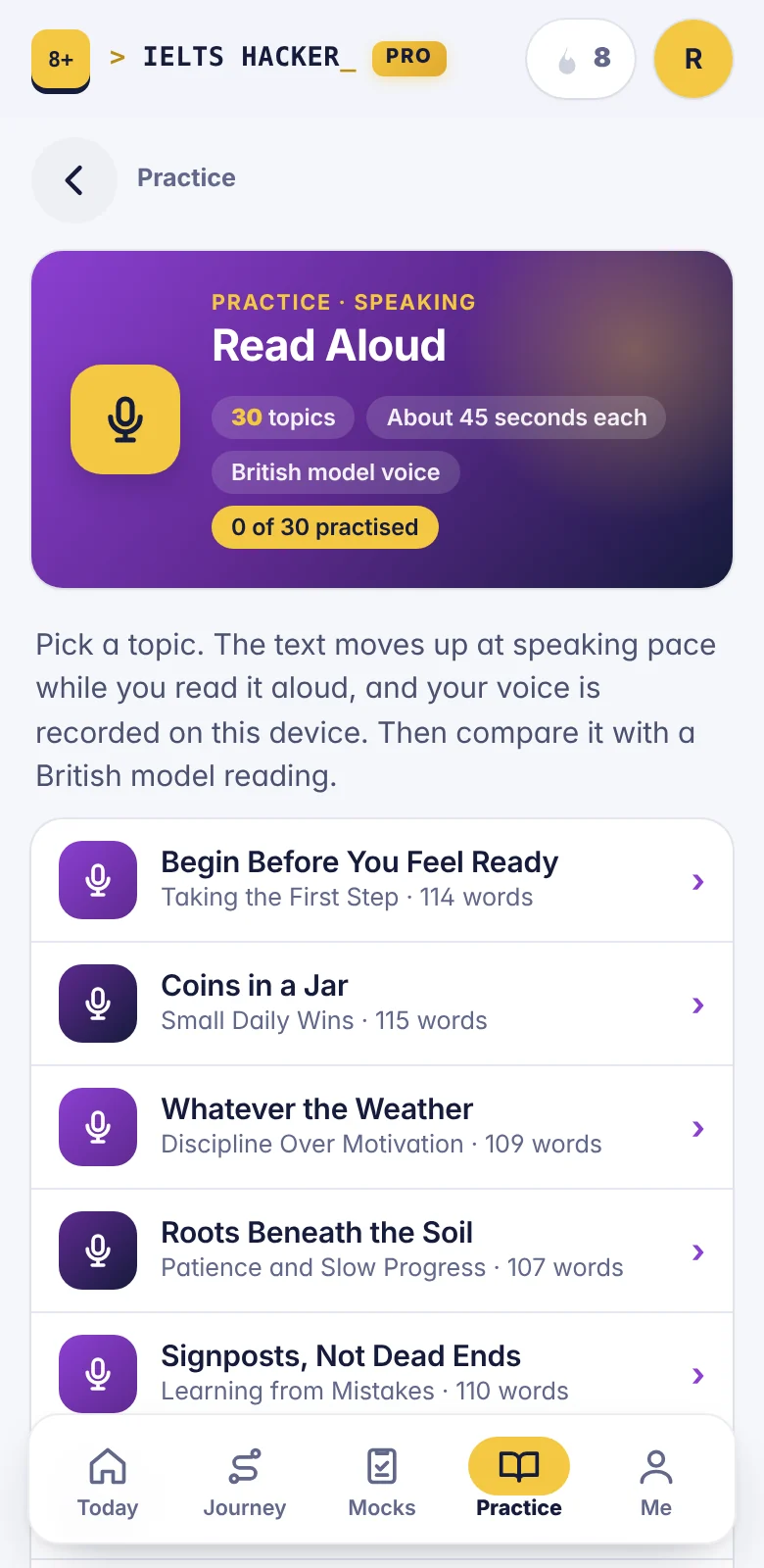
Read a passage aloud and hear yourself back
A few minutes a day builds rhythm and confidence before a Speaking test.
- 30 passages to read aloud
- Record yourself and play it back
- Listen to a model reading and compare
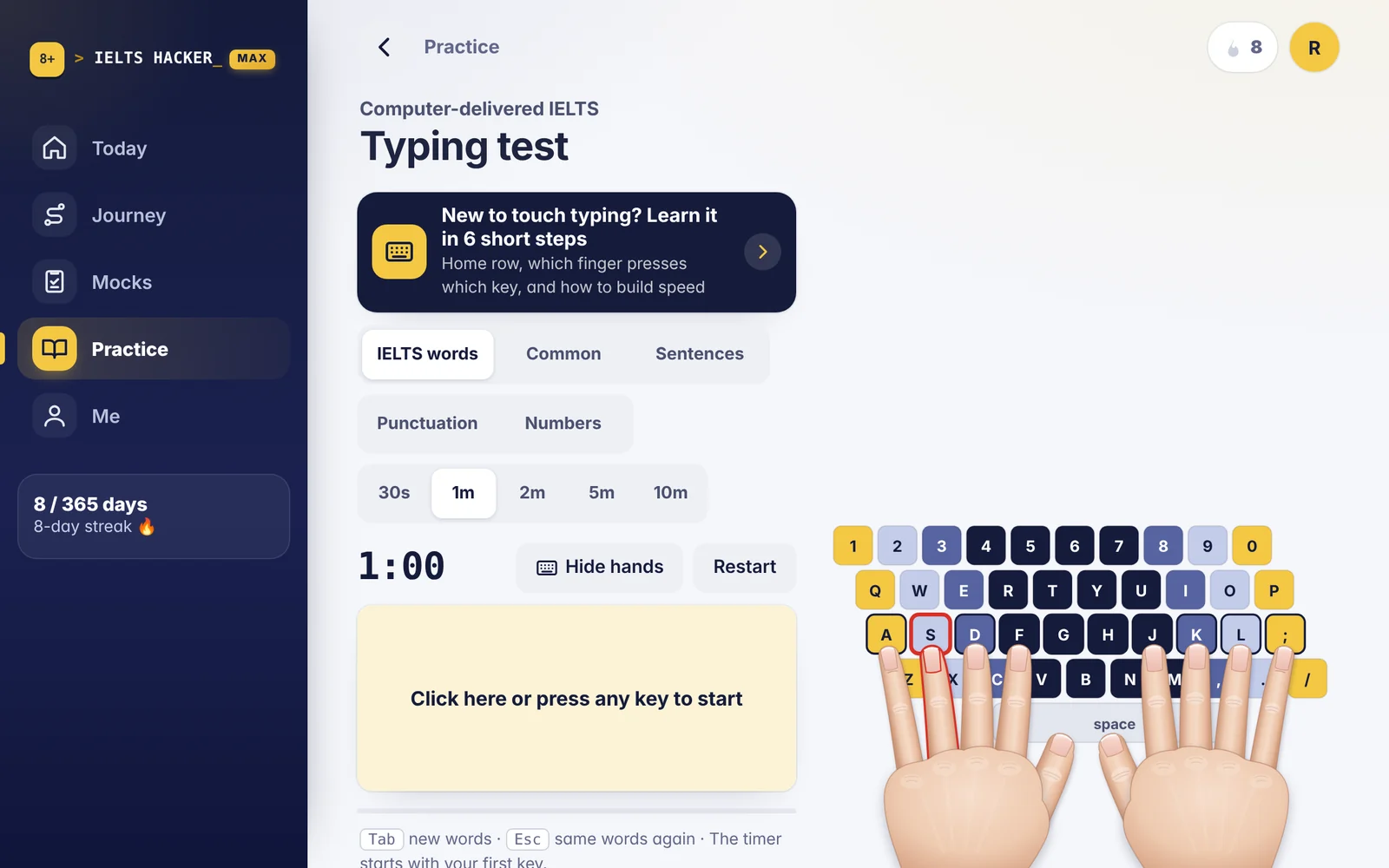
Type fast enough for the computer test
So your Writing answer is never held back by the keyboard.
- Touch typing in short steps
- Timed practice, with your speed and accuracy
- Made for the computer-delivered Writing test
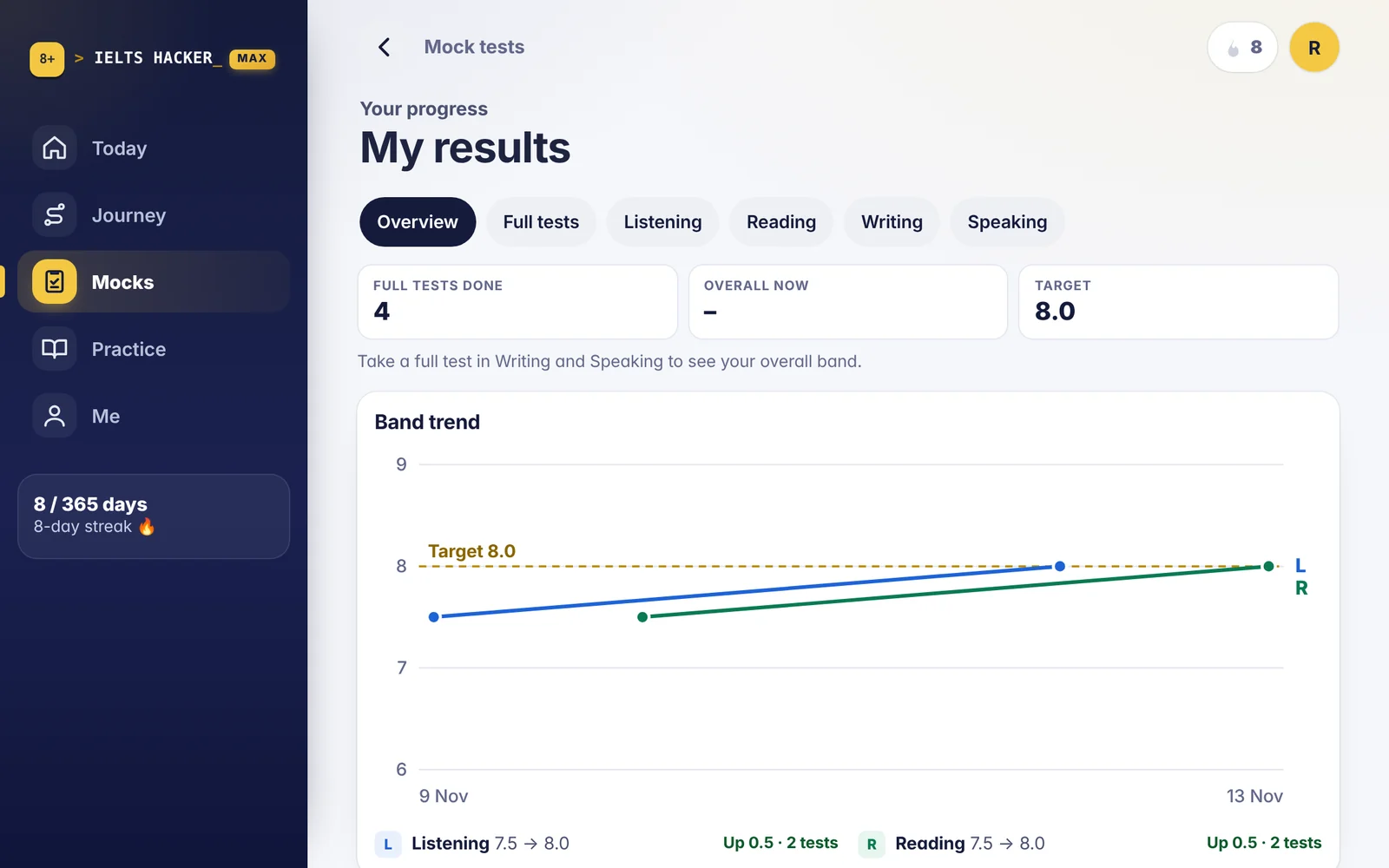
Every result in one place
See what is improving and what to work on next.
- Every test you have taken, with your band
- Your latest band for each skill on the dashboard
- Open any result again
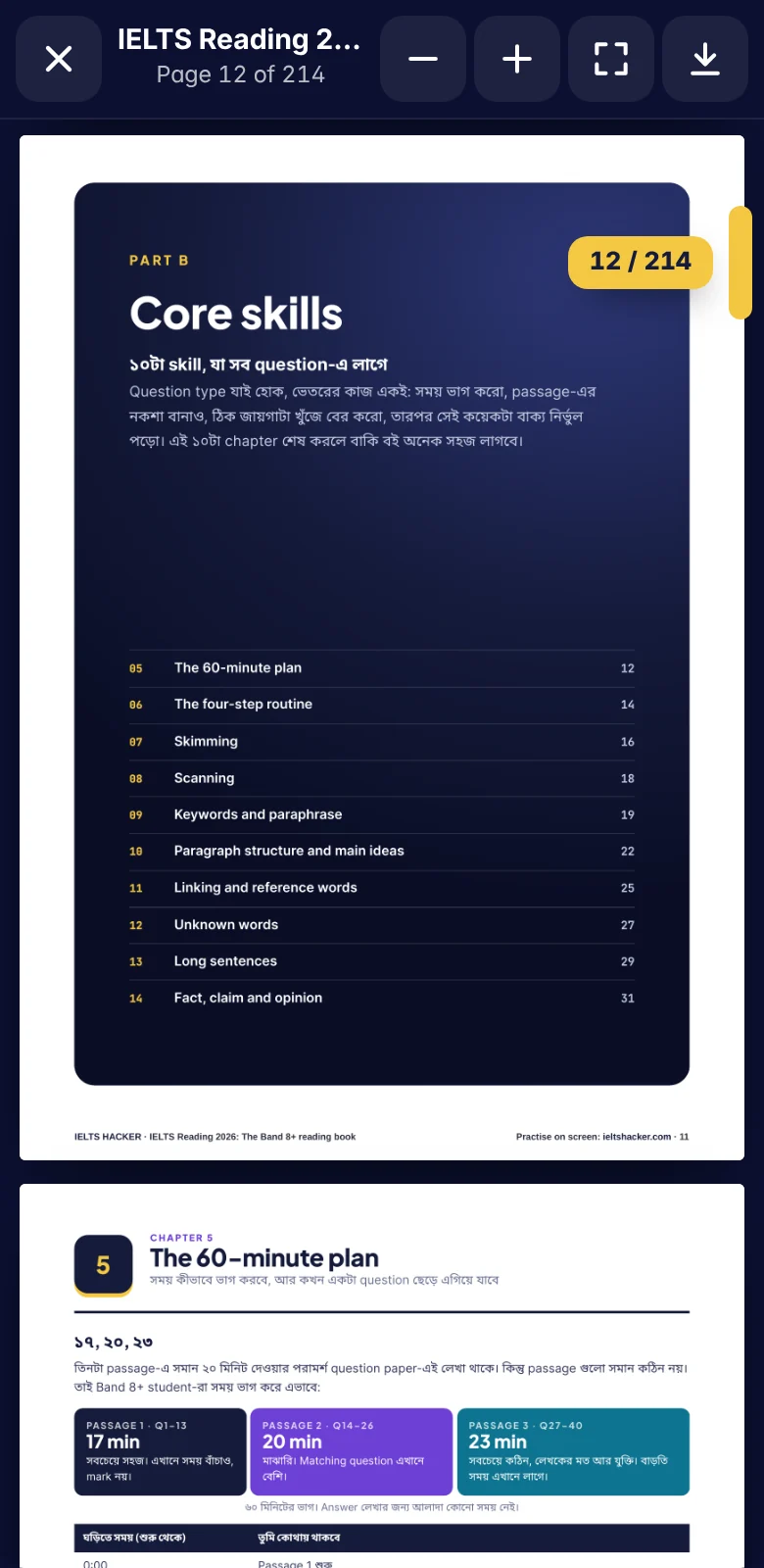
6 books you read in the app
Listening, Reading, Writing, Speaking and Vocabulary, and a Speaking question bank.
- Read the first pages of every book free
- A book you buy opens in the app: scroll through it like a PDF, or download it
- All of them are included in Max
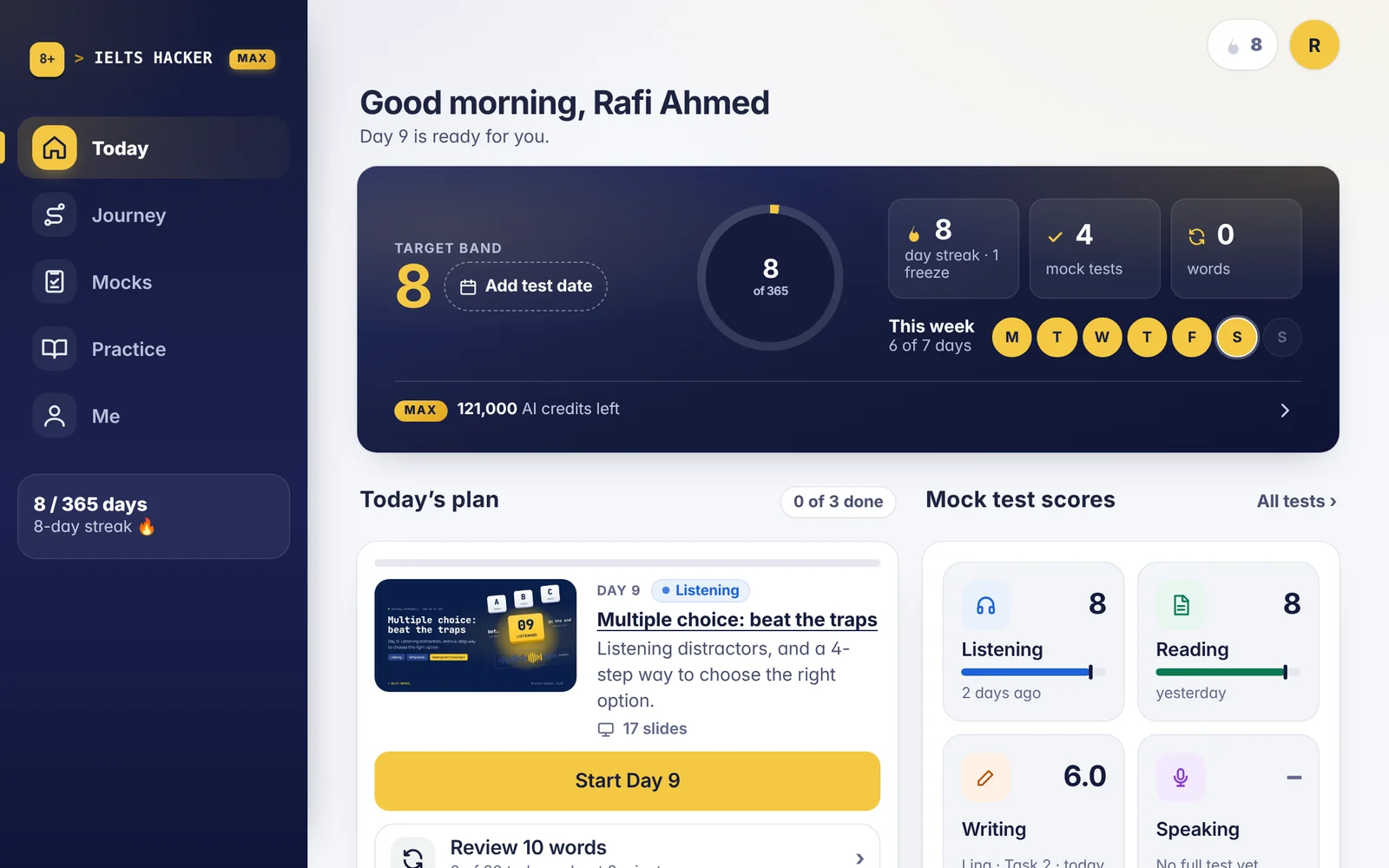
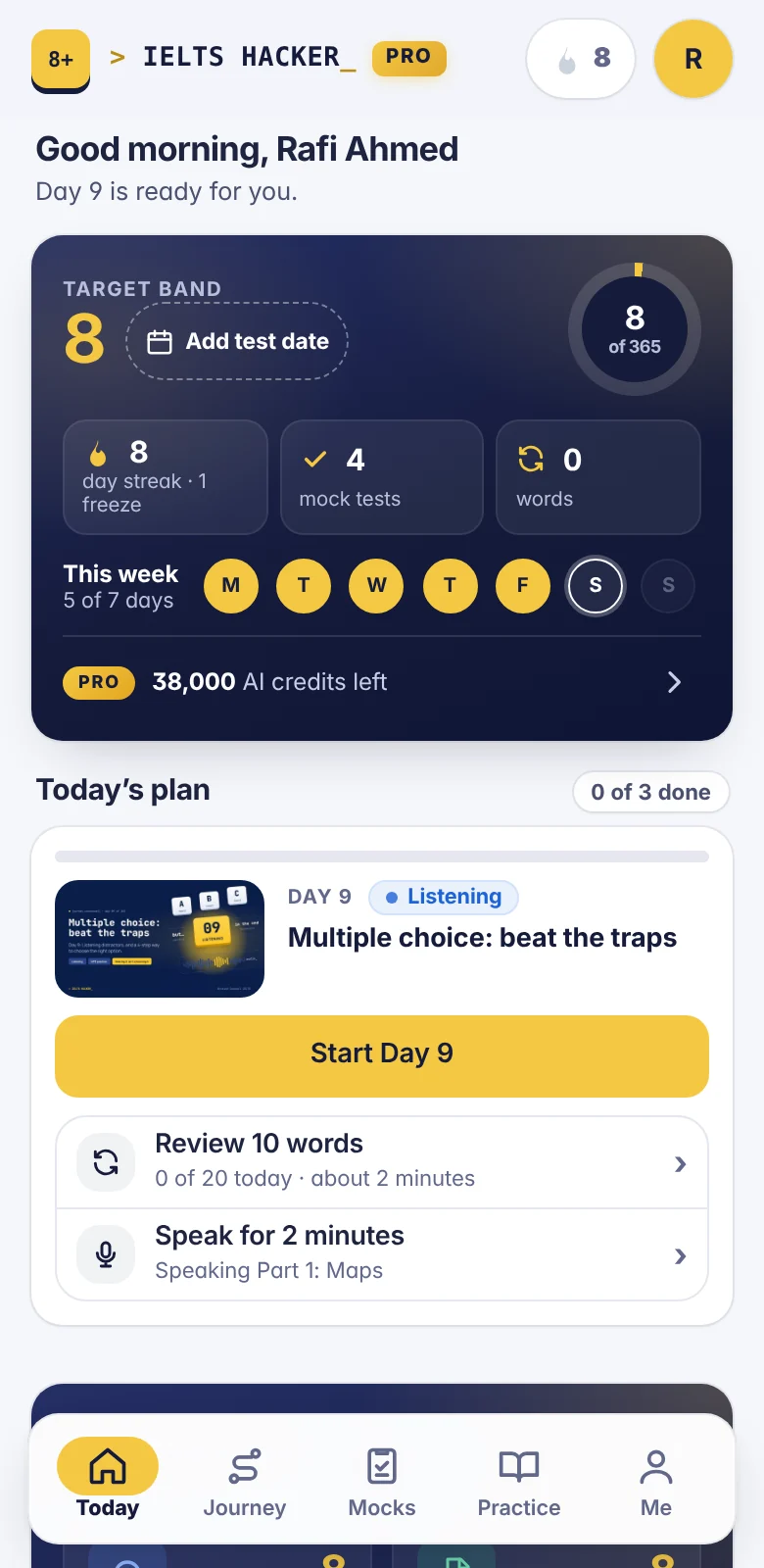
Your day at a glance
Open the app and see what to do today.
- Today’s lesson and plan
- Your target band and the days to your test
- Your week and your streak
And a few more things.
Short videos
44 short videos on the things that cost marks: spelling, numbers, the alphabet and common traps.
A daily reminder
Install IELTS HACKER on your phone and choose a time. One reminder a day, and none on a day you have already studied.
Light and dark
Use the light theme, the dark theme, or let it follow your device.
Your own code
Every account has a code to share. A friend gets 20% off Pro or Max, and you get 10k AI credits for every friend who buys.
Use it as a website, or install it like an app.
After you sign up, IELTS HACKER works in any browser. You can also add it to your phone or computer: its own icon, full screen, and a reminder each day.
- AndroidOpen it in Chrome and tap Install.
- iPhone and iPadIn Safari, tap Share, then Add to Home Screen.
- LaptopIn Chrome or Edge, click Install in the address bar.
Try it with a free account.
Tests 1–10 of every section, every lesson and 7k AI credits for Lina’s feedback.